

What this actually is
Two pieces doing two different jobs.
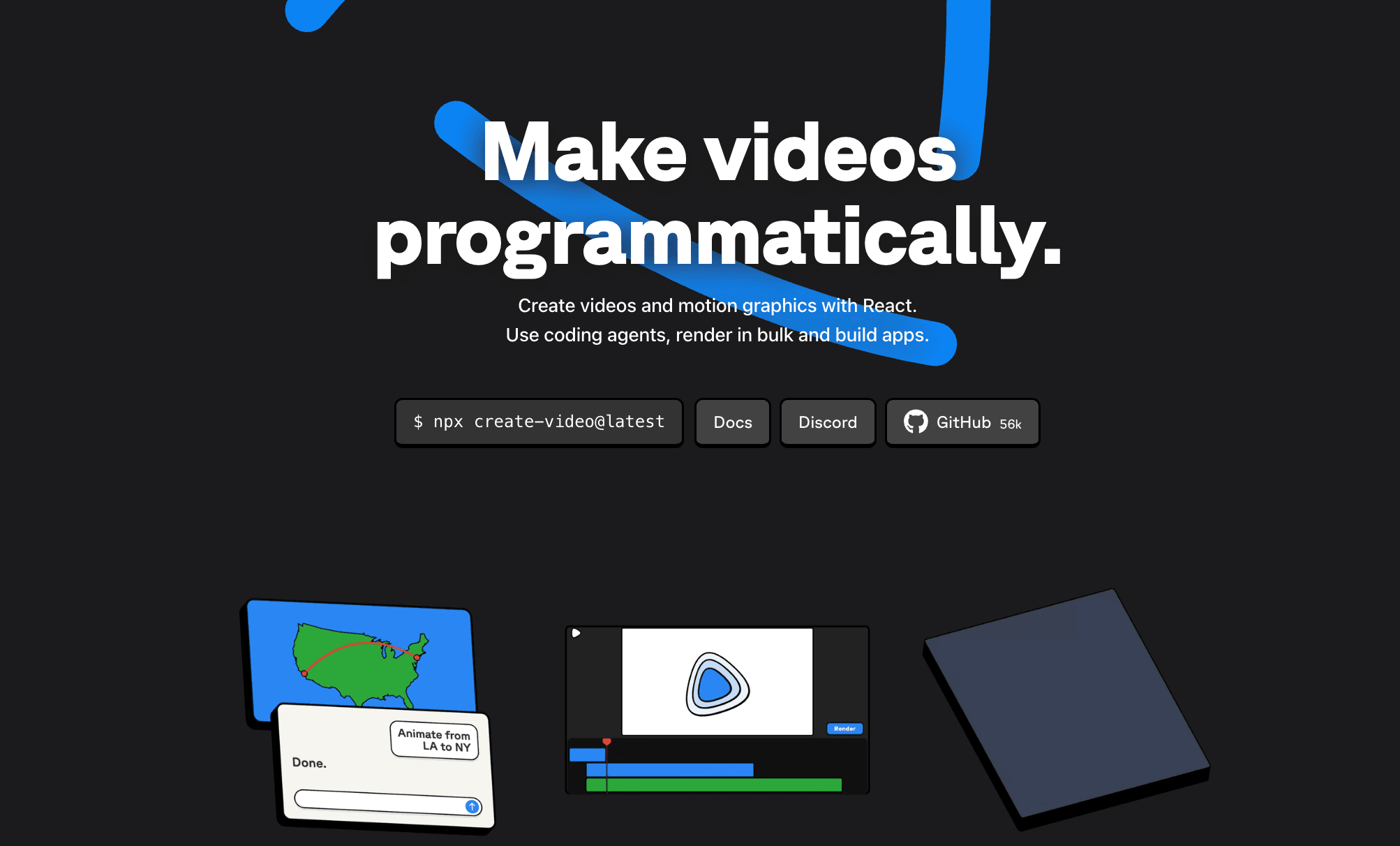
Remotion is a free, open source tool that makes videos out of React code. Every frame is rendered from code, so a video becomes something you can describe in text instead of drag around on a timeline.
Claude Code is the coding agent. It writes the Remotion code for you, runs the preview, and fixes its own mistakes when you tell it what looks wrong.
You are the director. You never write the code.
Before you start
Costs. Remotion is free for individuals, teams of 3 or fewer, and nonprofits, including commercial work. At 4+ people you need a Company License, which starts at $25 per seat per month. Claude Code is not free: it needs a Pro, Max, Team, Enterprise or Console account. The free Claude.ai plan won't run it. So the honest answer is one tool is free and one is paid.
Your machine.
- Node.js installed. Remotion documents Node 16 as the floor, but if you install Claude Code through npm it wants Node 22 or later, so just install the current LTS.
- Git installed.
- On Mac: macOS 15 (Sequoia) or newer. Remotion dropped support for older versions, and this is the strictest requirement in the whole stack.
- On Linux: a few extra packages for Chrome. Alpine and nixOS aren't supported.
You do not need ffmpeg. Remotion has shipped its own copy since v4.
Step 1: Install Claude Code
Mac, Linux, or WSL:
curl -fsSL https://claude.ai/install.sh | bashWindows PowerShell:
irm https://claude.ai/install.ps1 | iexIf you use Homebrew, brew install --cask claude-code works too.
Check it landed:
claude --versionYou should get a version number back. Run claude once and follow the browser prompt to log in.
Step 2: Create the Remotion project
Pick a folder that is not already inside a git repository. If you run this inside an existing repo the command fails, and the error message won't tell you that's why.
npx create-video@latest --yes --blank my-video
cd my-video
npm i
That gives you an empty Remotion project called my-video.
If you'd rather be walked through the options (templates, package manager, Tailwind), run npx create-video@latest with no flags and you'll get an interactive menu instead.
Step 3: Install Remotion's agent skills
This is the step almost every tutorial leaves out, and it's the one that makes the difference.
Remotion publishes a set of skills that teach the agent how Remotion actually works: how to structure compositions, how to animate correctly, how to preview, how to render. Without them the agent guesses, and it guesses badly.
From inside your project folder:
npx remotion skills addThey install into .agents/skills, and Claude Code picks them up from a symlink at .claude/skills.
If you'd rather install the official Claude Code plugin instead, that works too:
claude plugin marketplace add remotion-dev/claude-code-plugin
claude plugin install remotion@remotion
Restart Claude Code after either one. If it doesn't seem to know about Remotion, that's almost always because it hasn't been restarted.
One warning: if you find an older tutorial telling you to install the Remotion MCP, skip it. Remotion deprecated it and it's being shut down. Skills replaced it.
Step 4: Start the studio, then start Claude
Run the preview studio:
npm run devLeave that running. It's your live preview and it updates as the code changes.
Now open a second terminal window, go to the same folder, and start the agent:
cd my-video
claude
Two windows: one previewing, one talking to Claude.
Step 5: Prompt it
This is the whole job. Copy the template below, then read why each part earns its place.
Use remotion best practices.

Make a 20 second promo video for this website: https://yoursite.com
Fetch the page, and pull the brand colors, fonts, logo and the main
copy from it. Use those, don't invent a new brand.

Format: 1080x1920 vertical, 30fps.

Structure:
- 0-3s: logo animates in
- 3-14s: three main benefits, one at a time
- 14-20s: call to action with the website URL

Keep all important text at least 80px from the sides and 100px from
the top and bottom. Headlines at least 84px, supporting text at
least 44px.

Before you write any code, grill me with questions until you are 95%
sure what I want.
Why each piece matters:
- "Use remotion best practices" triggers the skills you installed in step 3.
- The URL is read by Claude itself, not Remotion. Remotion has no idea what a website is. Claude fetches the page and pulls colors and copy off it, which is why this trick works at all.
- Format matters because Remotion's default is 1920x1080 landscape. If you want vertical for Reels or TikTok, say so or you'll get the wrong shape.
- Timings give it a spine. Vague prompts produce vague videos.
- The safe area and font sizes come straight from Remotion's own layout guidance. They're the difference between "designed for video" and "a webpage that happens to be moving."
- The 95% line does more work than the rest of the prompt combined. It flips the agent from guessing to interviewing you, and it saves you three or four rounds of rework.
If you have brand assets already, drop the files into the public/ folder in your project and tell Claude they're there.
Step 6: Watch it and give notes
Look at the preview in your browser, then talk to Claude like you'd talk to an editor. "The logo animation is too slow." "The second section needs more contrast." "Cut the third benefit entirely."
It'll change the code and the preview updates.
You can edit the code by hand at the same time if you want. The agent is instructed not to silently overwrite changes it didn't make.
Step 7: Render the mp4
The agent won't render unless you ask, on purpose, because rendering takes time.
When you're happy:
render itOr run it yourself:
npx remotion renderIt'll ask which composition if there's more than one, and the file lands in the out folder. You get H.264 mp4 by default.
What breaks, and why
The preview looks great but the render is broken or frozen.
The most common Remotion mistake by far. CSS transition, CSS animation, and Tailwind animation classes do not render. They work in a browser, but rendering happens frame by frame, so there's no "over time" for CSS to animate across. Every animation has to be driven by useCurrentFrame() and interpolate(). Tell Claude "you used CSS animation, refactor it to useCurrentFrame and interpolate" and it will fix it.
Images or fonts are missing in the render.
Assets must live in the public/ folder and be referenced with staticFile(), not a relative path.
npx create-video fails instantly.
You're inside a git repo. Move to a fresh folder.
Claude doesn't know what Remotion is.
Restart it. If it still doesn't, rm -rf ~/.claude/plugins/cache, restart, and reinstall.
The render crashes with an error you can't read.
npx remotion render --log=verbose --concurrency=1--concurrency=1 matters: without it the render is split across threads and every log prints multiple times, which makes the real error hard to find.
Fonts look wrong or flash.
Use @remotion/google-fonts for Google Fonts. For your own font files, put them in public/ and load them with @remotion/fonts.
What else this handles
Same setup, different prompts:
- Motion graphics and animated explainers
- Product demos, including recreating your actual UI in code
- Data driven videos, where the same template renders 100 versions with different text
- Cutting silences out of existing footage
- Captions and subtitles
Useful things to know
Ask Claude /remotion-docs how do I do X and it'll search Remotion's live documentation rather than rely on memory. That alone fixes most "it wrote outdated code" problems.
You can also paste any Remotion docs link straight into Claude Code and it'll fetch the page.
Links
- Remotion
- Remotion docs
- Agent skills
- Prompt examples from Remotion
- Claude Code setup
- Remotion licensing
Built something with this? Send it to me, I want to see it.
@gracefrank.ai